Homelab Hand Docs

Your whole homelab, in one hand.

Homelab Hand is a self-hosted control centre for Docker, Proxmox, Synology, TrueNAS, UniFi, CrowdSec and the apps you run. You get one dashboard, one alert system and one place to update, back up and secure everything. It comes with native iPhone, iPad and Mac apps.
Install it → Read the docs iOS & Mac app
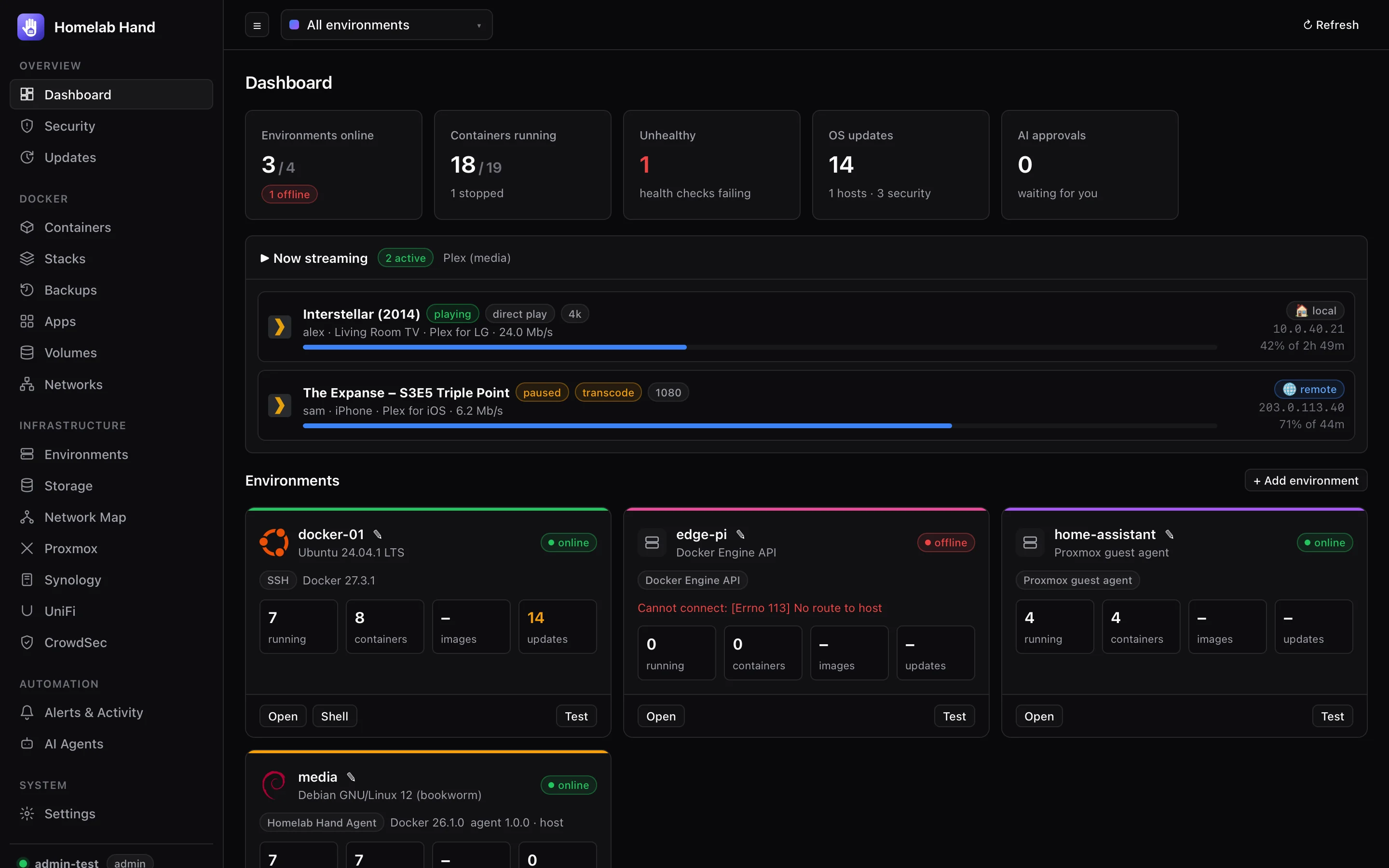
The Homelab Hand dashboard with environments, containers, updates and live streams

Everything you run, managed from one place

Turn on only the modules you need. Every module that's switched off is hidden and stops polling.
Any Docker hostConnect hosts over SSH, the Homelab Hand agent, Hawser, the Docker API, Portainer or the Proxmox guest agent, including hosts behind NAT.
Containers & stacksStart, stop, open terminals, read logs, edit compose stacks visually and update images safely, with rollback.
Every app, from anywhereA launcher for every web UI. Apps open in windows inside the hub, through a gateway that reaches any LAN app remotely.
Updates on a scheduleOS packages, Proxmox nodes and container images in one list. Install by hand or on a schedule, with full history.
Backups & redeploysVersioned compose and data backups, encrypted cloud copies, Proxmox VM backups and one-click redeploys to another host.
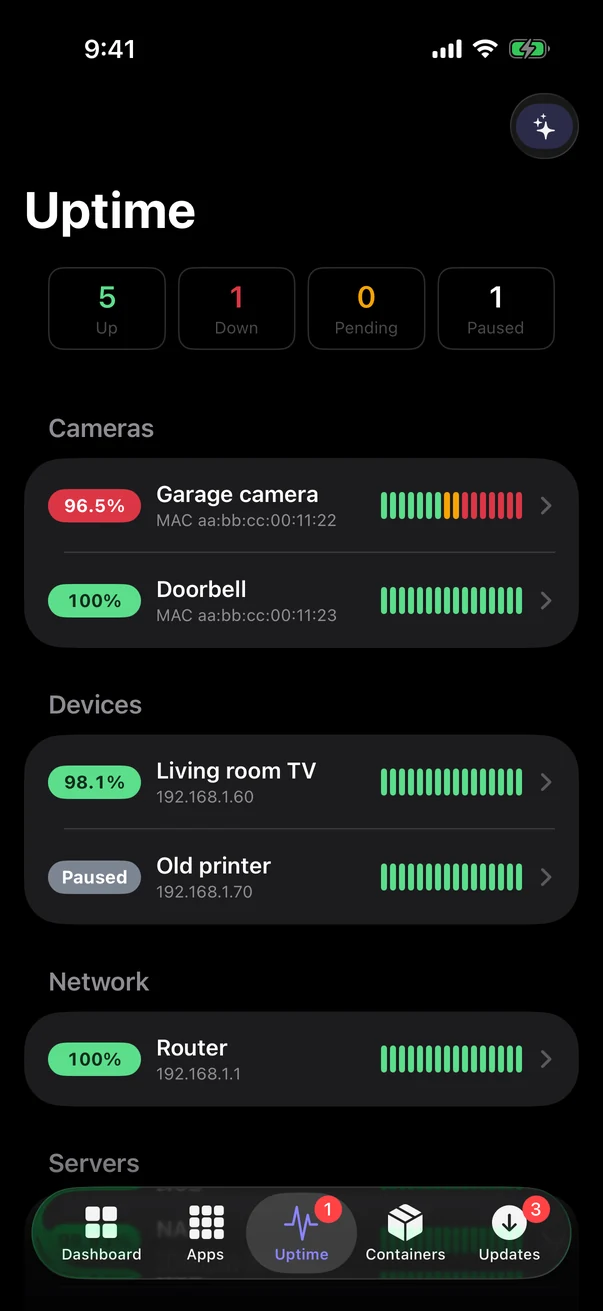
Uptime monitorsUptime-Kuma-style ping, port, web and UniFi presence monitors, with heartbeat bars, response charts and alerts.
SecurityIntrusions, brute force and new devices in one timeline. Manage CrowdSec, feed it UniFi IPS blocks, and see Wazuh results.
Live network mapUniFi, Proxmox, NAS and Docker merged into one topology, coloured by VLAN, with live traffic on every link.
Smart Home & SiriHomebridge, Home Assistant and Apple Home devices in one place. Tap to open the garage, or say "Hey Siri, open my garage".
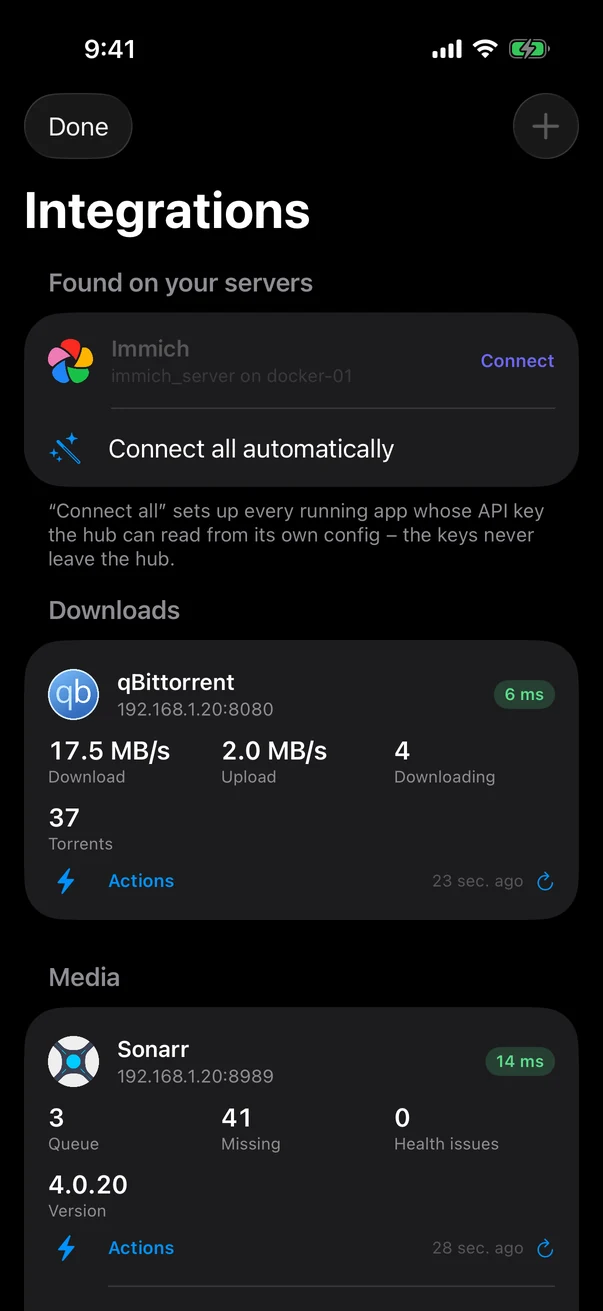
App integrationsStats, actions and alerts for Sonarr, Radarr, qBittorrent, Pi-hole, Jellyfin, Immich and more. Add any app with a YAML file.

A real app for iPhone, iPad and Mac

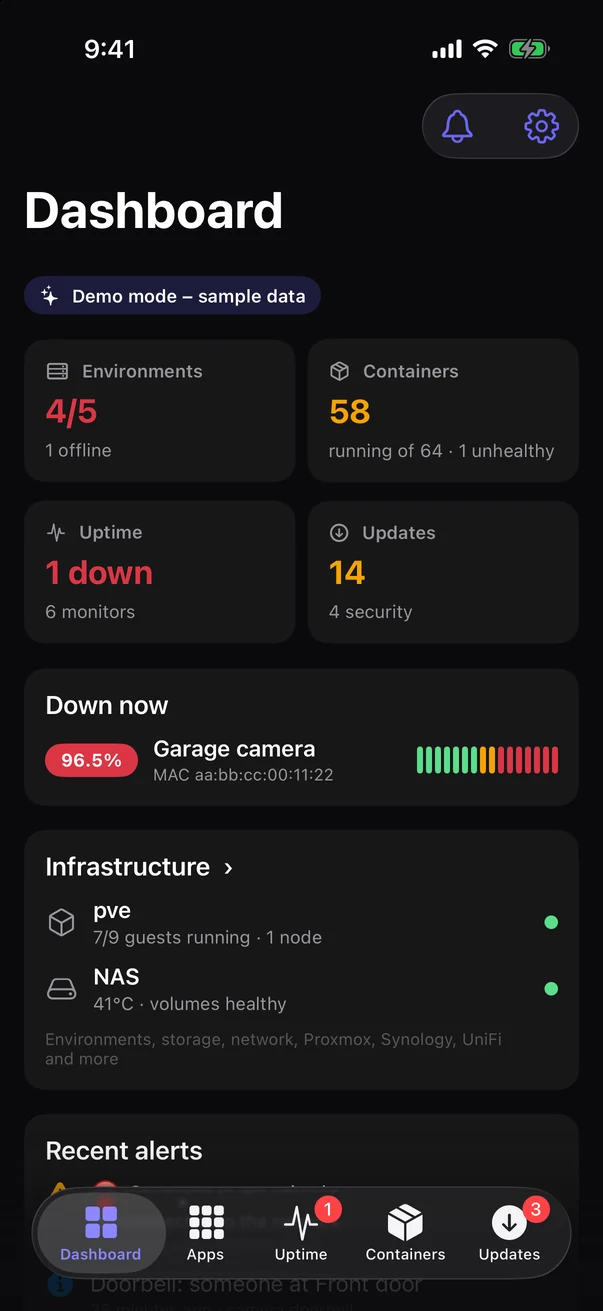
  • Native dashboard, uptime, containers, updates, alerts, apps, network map, CrowdSec and integrations.
  • Connect by IP at home and by URL when you're away. Cloudflare Access service tokens are built in.
  • Push notifications straight from your hub, plus Siri: "What's down in Homelab Hand?"
  • Servers and tokens sync between your devices through iCloud Keychain.

About the apps →

iPhone dashboard iPhone uptime monitors iPhone app integrations

Secure by default

The hub holds the keys to your lab, so it's built like a password manager.

Credentials encrypted at restEvery SSH key, password and API token is encrypted with your own secret key. Sessions and API tokens are stored only as hashes.
Passkeys & 2-step verificationSign in with TOTP, passkeys (Touch ID, Windows Hello, security keys), or a linked Google or Apple account.
Pinned connectionsSSH host keys and self-signed NAS certificates are pinned on first use. If one changes, the connection is refused.
Nothing leaves your networkNo cloud account and no telemetry. Off-site backups are encrypted before upload, with your passphrase.

Up and running in five minutes

One container. SQLite inside. Updates are a single command.

# on your server
git clone <your copy of homelab-hand> /opt/htech-hub
cd /opt/htech-hub
cp .env.example .env
# paste a secret:  openssl rand -hex 32
docker compose up -d --build
# → open http://SERVER:8080 and create the admin account

Or from your workstation, deploy.sh installs and updates the hub over SSH. It writes a compose file, creates a secret key on the first run and waits for the health check.

Installation guide →

Inspired by Dockhand

Homelab Hand started with a lot of admiration for Dockhand, and the name is a nod to it.

Dockhand showed how pleasant managing Docker could be: a clean, fast interface, sensible defaults, and the Hawser agent for reaching hosts anywhere, even behind NAT.

Homelab Hand takes that spirit and widens the lens from Docker to the whole homelab. It brings Proxmox, your NAS, UniFi, CrowdSec, cameras, uptime monitoring and your apps into the same calm, one-place experience.

It plays nicely with Dockhand rather than replacing it overnight:

  • Hawser agents you already run for Dockhand connect to Homelab Hand unchanged, in both Standard and Edge mode.
  • Stacks deployed by Dockhand are found and included in backups and redeploys.
  • You can move hosts across one at a time, at your own pace.

Thank you to the Dockhand team for the inspiration. Homelab Hand is an independent project and isn't affiliated with or endorsed by Dockhand.